
GSTAT Reply Filing SOP for Respondents: Complete Step-by-Step Guide
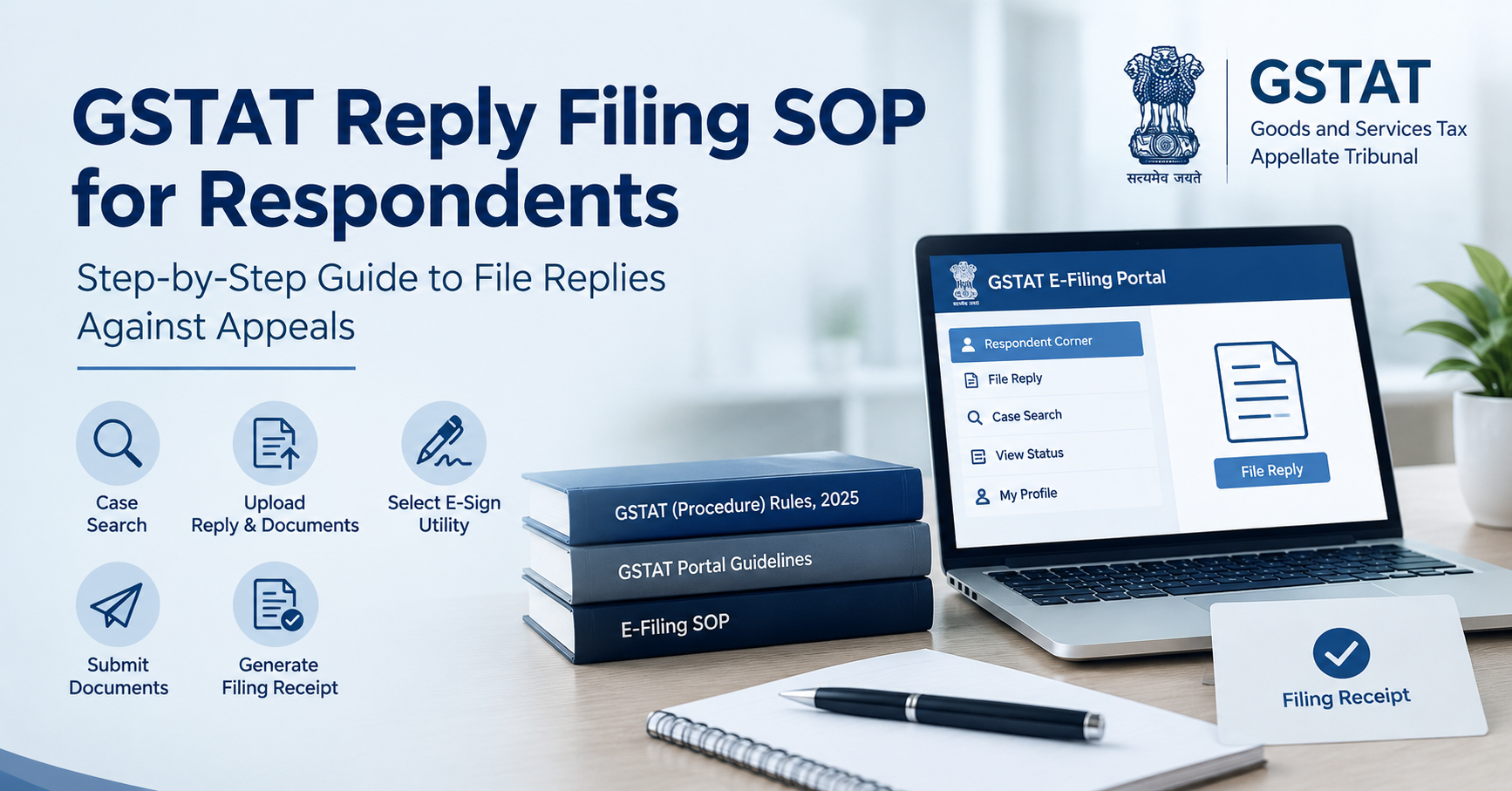
The Goods and Services Tax Appellate Tribunal (GSTAT) has made available a Standard Operating Procedure (SOP) explaining the process for respondents required to file replies against appeals presented before the Tribunal. The SOP provides a step-by-step electronic filing process covering case search, reply upload, supporting documents, e-sign selection, submission and generation of the filing receipt.
If you are looking for a GST consultant near me, GST services near me, or professional assistance with GSTAT proceedings in Ghaziabad, Noida, Delhi NCR and nearby areas, understanding the prescribed filing process can help avoid procedural mistakes.
Latest Update
GSTAT has made available an SOP specifically explaining how respondents can file replies electronically against appeals through the GSTAT e-filing portal.
The SOP covers the principal technical stages of filing, including accessing the respondent section, searching for the relevant case, selecting the respondent, uploading the reply and supporting documents, choosing an applicable e-sign facility, completing submission and generating the filing receipt.
The filing procedure should be followed along with the applicable GSTAT (Procedure) Rules, 2025, the notice issued in the particular matter and any direction given by the Tribunal.
Legal Reference
Statutory framework: GSTAT (Procedure) Rules, 2025.
Relevant provision: Rule 36(1), which provides that each respondent may file a reply to a petition or application, together with copies of the relevant documents, with the Registrar. The filing may be made personally or through an authorised representative. The Rules also provide for service of a copy of the reply on the applicant.
Notification: Notification No. G.S.R. 256(E), dated 24 April 2025, issued by the Ministry of Finance, Department of Revenue.
Official GSTAT SOP:
https://efiling.gstat.gov.in/downloads/manual/File-Reply-SOP.pdf
Official GSTAT Procedure Rules:
https://efiling.gstat.gov.in/downloads/manual/Procedure_Rules.pdf
Official GSTAT advisory regarding signing utilities:
https://efiling.gstat.gov.in/downloads/manual/advisory.pdf
Legal Position
The Goods and Services Tax Appellate Tribunal (GSTAT) has made available a Standard Operating Procedure (SOP) for respondents required to file replies against appeals presented before the Tribunal.
The SOP is intended to guide respondents through the online filing process. It applies where a respondent is required or wishes to file a reply in relation to an appeal filed against them.
The official SOP describes the procedure for filing a reply electronically through the GSTAT portal. Respondents should use the prescribed portal process and retain the receipt generated after successful filing for their records.
The GSTAT filing procedure is supported by the GSTAT (Procedure) Rules, 2025.
Rule 36(1) provides that each respondent may file a reply to a petition or application, together with copies of the relevant documents, with the Registrar. The filing may be made personally or through an authorised representative. The Rules also provide for service of a copy of the reply on the applicant.
The official procedure rules were notified by the Ministry of Finance, Department of Revenue, through Notification No. G.S.R. 256(E) dated 24 April 2025.
As a general statutory requirement, a respondent may file the reply within one month from receipt of the petition or application, subject to the applicable Rules and any direction issued by the Tribunal in a particular matter.
Step-by-Step Process for Filing a Reply on the GSTAT Portal
1. Log in to the GSTAT Portal
The respondent or authorised representative should log in to the GSTAT e-filing portal using the applicable credentials.
After login, the user should access the Respondent Corner.
2. Select the Reply-Filing Option
From the Respondent Corner, the user should select the option relating to filing a reply. Depending on the status and nature of the case, the portal may also provide an option for re-filing a reply or filing a cross-objection.
The appropriate option should be selected according to the requirements of the particular matter.
3. Search for the Correct Case
The relevant appeal should be identified through the case-search facility.
The required details may include:
· Security code
· Case type
· Case number
· Location
· Case year
The respondent should carefully verify the case information before proceeding. This is particularly important where multiple matters are pending before GSTAT.
4. Select the Respondent
After locating the matter, the user should select the name of the respondent on whose behalf the reply is being filed.
This information should be checked carefully so that the reply is linked to the correct respondent and appeal.
5. Upload the Reply and Supporting Documents
The respondent should select the applicable document type, including Reply, and upload the reply or written submission along with relevant supporting documents.
Depending on the matter, the filing may include:
· Reply or written submission
· Supporting documents
· Annexures
· Other documents required for the case
Documents should be clear and legible and should be arranged in the appropriate order. Descriptive file names can also help in identifying documents during scrutiny or hearing.
6. Select the Applicable E-Sign Facility
The portal requires the user to select the applicable signing utility before submission.
The GSTAT portal advisory refers to signing options such as:
· External DSC Utility
· NIC DSC Utility
· Aadhaar-Based E-Sign
The authorised person should ensure that the selected signing method is functional before starting the final submission process.
7. Review and Submit the Reply
After uploading the documents and completing the signing process, the user should review the information entered and submit the reply.
Before final submission, the respondent should verify the case number and year, respondent details, authorised representative details where applicable, document type, uploaded files, supporting annexures and e-sign status.
8. Generate and Preserve the Filing Receipt
After successful submission, the portal generates a filing receipt.
The respondent should download, print or otherwise preserve this receipt as evidence of electronic filing. It should be retained with the appeal records because it may be useful for future correspondence, hearing preparation or proof of compliance.
Documents and GSTAT Reply Filing Checklist
|
Particular |
Check |
|
Correct GSTAT appeal identified |
Yes/No |
|
Case number and year verified |
Yes/No |
|
Correct respondent selected |
Yes/No |
|
Reply signed by authorised person |
Yes/No |
|
Supporting documents attached |
Yes/No |
|
Annexures properly numbered |
Yes/No |
|
Applicable e-sign utility available |
Yes/No |
|
Copy served on the applicant, where required |
Yes/No |
|
Filing receipt downloaded and preserved |
Yes/No |
Practical Precautions for Respondents
Verify the Filing Deadline
The respondent should calculate the applicable filing period from the date of receipt of the petition, application or appeal documents. Although the GSTAT Procedure Rules provide a general one-month period for filing a reply, the respondent should also check whether the Tribunal has issued a specific notice or direction prescribing a different date.
A filing deadline should not be determined solely by relying on the technical portal. The applicable Rules and the directions issued in the particular proceeding should also be considered.
File Through an Authorised Representative Where Applicable
Where the reply is filed through a tax practitioner, advocate or another authorised representative, the relevant authority and filing credentials should be checked before submission.
The person filing the reply should ensure that the correct respondent and case have been selected on the portal.
Maintain a Complete Document Set
The respondent should preserve the final signed reply, all annexures, documents uploaded on the portal, proof of service on the applicant where applicable, the portal-generated filing receipt and any error message or communication received from the GSTAT portal.
Maintaining a complete record can make it easier to respond to future queries or prepare for a hearing.
Do Not Rely Only on the Upload Screen
An upload or draft status should not be treated as proof of successful filing. The respondent should complete the signing and submission process and preserve the final receipt generated by the portal.
This is an important practical safeguard because the evidence of successful electronic filing should be readily available in the case records.
Check the Filing Status
After submission, the respondent should verify whether the reply is shown as successfully filed, submitted or pending scrutiny.
If there is any discrepancy, it should be addressed promptly through the portal or with the appropriate GSTAT registry.
Why the GSTAT SOP Is Important
The SOP provides a uniform digital process for respondents and reduces uncertainty regarding the technical filing of replies before GSTAT. It also helps create a clear electronic record of documents submitted, the date of filing and the filing status.
However, the SOP should be read together with the GSTAT (Procedure) Rules, 2025, the relevant notice issued in the case and any directions of the Tribunal.
The SOP explains the technical filing process. It does not replace statutory requirements relating to limitation, service of documents, authorisation or compliance with Tribunal directions.
For taxpayers and businesses handling GST litigation, this distinction is important. Completing an online upload is only one part of compliance; the respondent must also ensure that the filing satisfies the applicable procedural requirements.
Local Professional Assistance for GSTAT Compliance
Businesses and taxpayers in Ghaziabad, Vaishali, Indirapuram, Vasundhra, Noida and Delhi NCR may seek professional assistance when dealing with GST appeals and GSTAT proceedings.
A taxpayer searching for a GST consultant near me, GST services near me, or Income tax consultant near me may need help not only with the technical portal process but also with document preparation, statutory timelines and representation requirements.
Similarly, businesses looking for Company registration consultant near me, Trade Mark consultant near me, logo registration consultant near me, or related Income tax services near me may benefit from obtaining professional advice suited to their particular compliance requirements. These services are separate from the GSTAT SOP itself and should not be confused with the Tribunal's prescribed filing procedure.
Frequently Asked Questions
1. What is the GSTAT SOP for respondents?
The GSTAT SOP is a Standard Operating Procedure explaining how respondents can electronically file replies against appeals through the GSTAT e-filing portal. It covers case search, respondent selection, document upload, e-signing, submission and receipt generation.
2. Can a respondent file a reply through an authorised representative?
Yes. Rule 36(1) of the GSTAT (Procedure) Rules, 2025 provides that a respondent may file a reply personally or through an authorised representative, subject to the applicable procedural requirements.
3. What documents should be uploaded with the GSTAT reply?
The respondent should upload the reply or written submission, relevant supporting documents, annexures and any other documents required for the particular matter. Documents should be clear, legible and appropriately arranged.
4. Which signing options are referred to in the GSTAT portal advisory?
The GSTAT portal advisory refers to options including External DSC Utility, NIC DSC Utility and Aadhaar-Based E-Sign. The appropriate signing facility should be selected and made functional before final submission.
5. Is the filing receipt important?
Yes. After successful submission, the portal generates a filing receipt. The respondent should preserve it as evidence of electronic filing and retain it with the appeal records.
6. What is the general period for filing a reply?
As a general statutory requirement, a respondent may file the reply within one month from receipt of the petition or application, subject to the applicable Rules and any direction issued by the Tribunal in the particular matter.
7. Does the SOP replace the GSTAT Procedure Rules?
No. The SOP explains the technical electronic filing process. Respondents must also comply with the GSTAT (Procedure) Rules, 2025, the relevant case notice and directions issued by the Tribunal.
Conclusion
The GSTAT Reply Filing SOP provides an important digital roadmap for respondents filing replies against appeals before the Goods and Services Tax Appellate Tribunal. Respondents should carefully identify the correct case, select the appropriate respondent, upload the signed reply and supporting documents, complete the prescribed e-sign process, submit the filing and preserve the receipt generated by the portal.
For professional compliance, the reply should also be filed within the applicable time and a copy should be served on the applicant wherever required under the GSTAT Procedure Rules or the Tribunal's directions.
If you are handling a GST appeal or GSTAT proceeding, timely professional review can help ensure that both the substantive reply and procedural filing requirements are appropriately addressed.
For expert guidance on this topic, contact your tax professional today.
This content is for educational and knowledge purposes only. For verification and applicability to your case, please consult your tax professional.
Have Questions? We're Here to Help
Get expert advice from AMIT SIDDHI AND ASSOCIATES. Reach out to discuss your requirements.